Turn Your Inbox into a Helpdesk
Customers send an email. A ticket is created automatically. Your agents see it instantly. No copy-paste. No missed messages. No cluttered inbox.
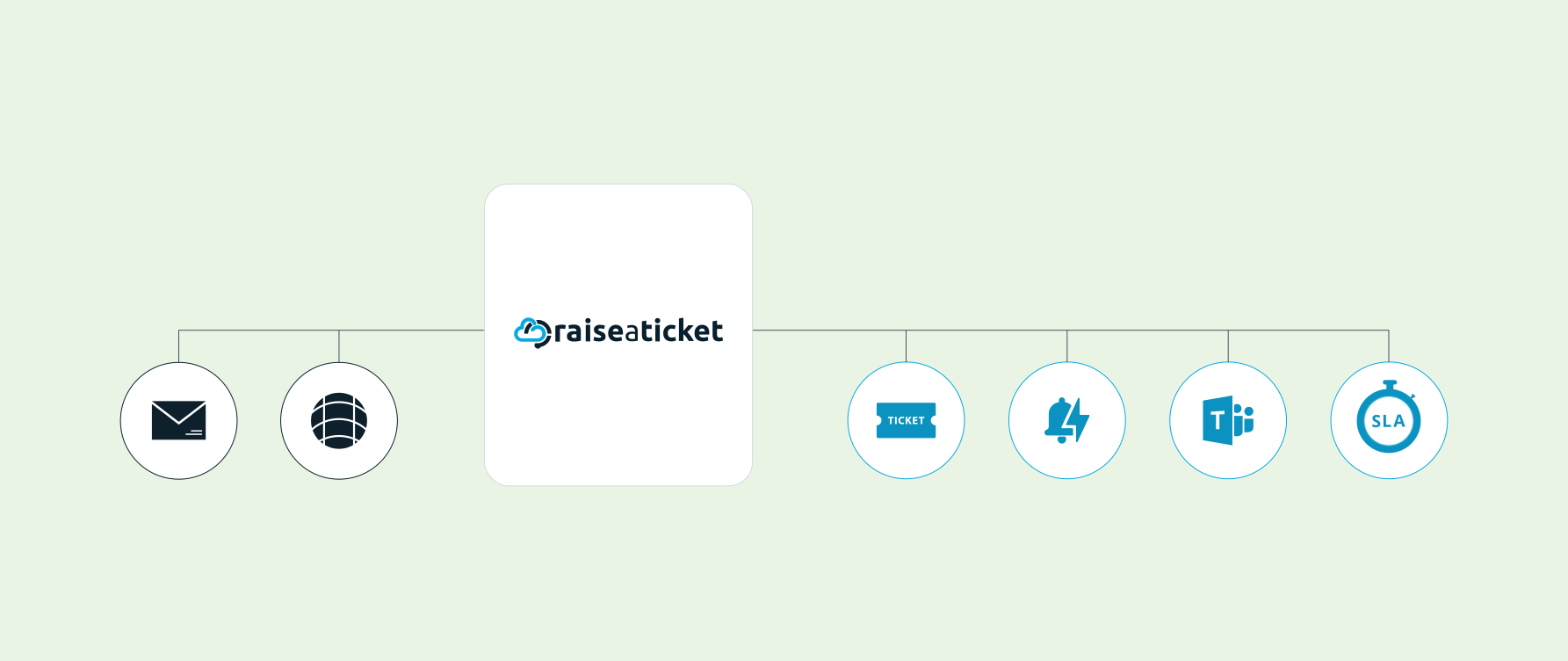
How Email Ticketing Works
- Sign up and get your dedicated email: [email protected]
- Forward your existing support email to your Raiseaticket address
- Every incoming email becomes a ticket automatically
- Your 5 agents reply from the portal - customers get a normal email back
- Full conversation tracked as a ticket thread with SLA timer running
Support Your Business Partners with a Free Email Ticketing System
In today’s fast-paced environment, businesses rely on 24/7 or 8/5 remote support across multiple channels. One of the most popular and efficient tools is an email-based ticketing system like Raiseaticket. This platform enables seamless communication, allowing users to register issues and receive support for their products and services. As email remains the preferred method of communication—outpacing phone calls—it has become a cornerstone of customer support.
Benefits of an Email Ticketing System
Organized Shared Inbox
Email is a fast, reliable, and accessible communication tool for businesses. However, managing cluttered mailboxes can be challenging as businesses grow. Without proper organization, multiple agents may respond to the same query, leading to inconsistencies and reduced customer trust. A ticketing system eliminates this by automatically organizing and assigning emails, ensuring efficient handling of every request.
Enhanced Collaboration
Email ticketing fosters collaboration between internal teams and external partners. By streamlining communication, organizations can address common issues, remove ambiguities, and tackle complex challenges effectively. Raiseaticket’s platform ensures clear workflows and consistent responses across departments like Sales, HR, Finance, and IT.
Improved Accountability & Visibility
A ticketing system tracks all customer queries, assigning tickets to the right agent and enabling easy follow-up. Raiseaticket provides insights into response times, unresolved issues, and customer feedback, helping businesses prioritize and resolve critical problems quickly.
Multi-Channel Support
Raiseaticket supports ticket creation via web and email, giving customers flexibility. This reduces delays and ensures no query is overlooked. Features like tagging allow agents to identify recurring issues, allocate resources effectively, and improve customer satisfaction.
Customer Journey Mapping
Map the entire customer journey from initial contact to resolution to identify pain points and enhance experiences. This tool enables businesses to improve at every touchpoint, ensuring long-term customer loyalty
Applications Across Industries
The free email ticketing system benefits various sectors, including:
Email Ticketing Features (included for all 5 agents)
Automatic Ticket Creation
Automatically convert incoming emails into support tickets.
Smart Routing
Assign tickets intelligently to agents or teams.
Email Threading
Keep all replies linked to the original ticket for clarity.
Auto Responses
Send instant confirmations to customers automatically.
Custom Templates
Create branded email templates for consistent communication.
Attachments Support
Preserve all email attachments without manual effort.
CC Support
Include CC recipients in replies seamlessly.
Spam Filtering
Block unwanted senders and filter spam automatically.
Multiple Channels
Manage multiple email inboxes in one unified system.
Email Authentication
Ensure secure delivery with SPF, DKIM, and DMARC.
Why Choose Raiseaticket?
Manage high email volumes effortlessly.
Ensure faster response and resolution times.
Improve collaboration and communication across teams.
Boost customer trust and satisfaction.
Easily map and enhance the customer journey.
Level up your customer support efficiency with Raiseaticket’s free email ticketing system. Built to simplify communication and enhance customer satisfaction, it empowers businesses to deliver outstanding service every step of the way. Get started with Raiseaticket at no cost and revolutionize your customer interaction management. For tailored assistance and seamless Office 365 integration as your unified support inbox, Contact us today.
Related resources
How do I forward my existing support email to my helpdesk portal?
Upon completing the signup process, Raiseaticket automatically assigns you a dedicated email address, such as [email protected]. This address empowers your customers to open support requests effortlessly by simply sending an email to this address (e.g., [email protected] ). It’s that simple to streamline customer communication!
Receiving Support Requests on Your Existing or External Email Address
If you wish to redirect support requests to an existing email address or an external one, you'll need to set up email forwarding from your current email provider to your Raiseaticket support email address.
Setting Up Email Forwarding
Since the email forwarding process varies across providers, follow these platform-specific guides for seamless setup:
Set Up in 3 Minutes
- Gmail: Settings > Forwarding > Add your Raiseaticket address
- Office 365: Admin Center > Mail Flow > Create forwarding rule
- Yahoo: Settings > More Settings > Mailboxes > Forward
- Exchange: Admin Center > Mail Flow > Rules
- Detailed guides in our Setup Guide.
Control your support experience, all in one platform.
Provide support and answers on your products, services, updates, incidents and issues with your experts on our 100% free helpdesk cloud platform.
*No servers. No credit card. No IT department.

Product
Support