SLA Management
Set response and resolution targets. Track them live. Get alerted before breaches - not after.
Service Level Agreements (SLAs) play a pivotal role in defining the standards of service between helpdesk providers and customers. Regularly reviewing and updating SLAs ensures they remain aligned with evolving business needs and changing customer expectations. Here’s how SLAs enhance customer support operations and drive satisfaction:
What is an SLA?
An SLA defines how fast your team must respond to and resolve tickets.
Example targets:
Example targets
High: respond in 1 hour, resolve in 4 hours
Medium: respond in 4 hours, resolve in 8 hours
Low: respond in 8 hours, resolve in 24 hours
Track response and resolution separately for better SLA control.
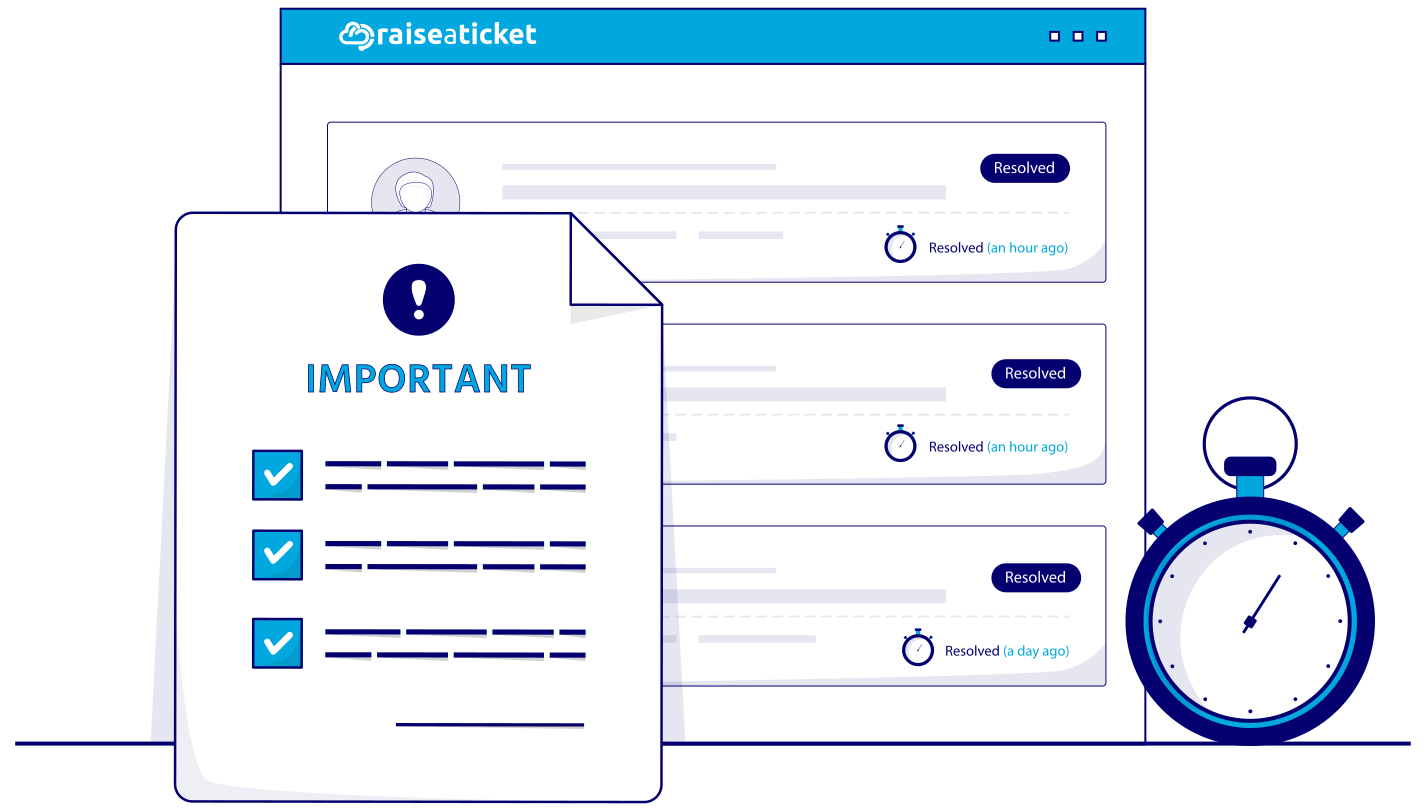
How SLAs Work in Raiseaticket
1. Create SLA policies
targets per priority level
2. Set business hours
SLA respects your working hours, timezone, holidays
3. Pause when waiting
timer pauses on Pending/Hold status
Get alerted early
4. notifications 10-30 minutes before breach
Track compliance
dashboard and reports show SLA performance
Advanced SLA Features
Advanced SLA capabilities help you tailor support commitments by team and customer while improving breach prevention and reporting.
Multiple SLA policies for different teams or customers.
Customer-specific SLAs by email domain or company.
Breach notifications to agents and admins.
SLA compliance reports with trends.
Escalation alerts to managers.
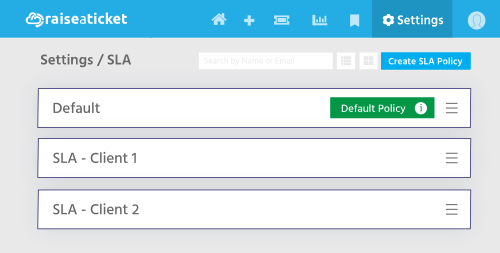
SLA Breach and Reminders
Benefits of Service Level Agreements (SLAs)
SLAs are essential for establishing clear expectations and maintaining accountability in customer support operations.
Here's how they enhance your helpdesk:
Ensure Accountability: SLAs foster accountability among support agents, ensuring adherence to agreed response and resolution times.
Monitor SLA Compliance: Track agents who breach SLAs with ease, enabling timely corrective measures.
Encourage Responsibility: Promote a culture of responsibility within the support team by setting clear benchmarks.
Streamline Breach Identification: Facilitate seamless identification of SLA breaches, ensuring swift actions to address issues.
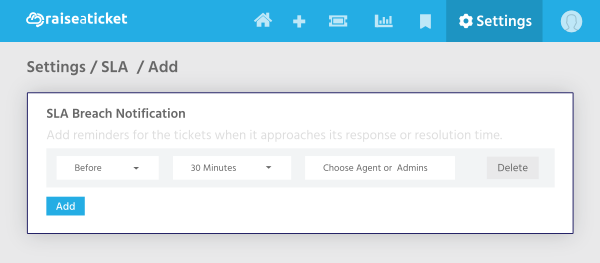
SLA Reminder Configuration
SLA reminders are vital for staying on top of potential breaches and maintaining service standards.
Multiple SLA Support in Free Helpdesk
Managing multiple SLAs helps businesses cater to diverse customer needs and operational requirements.
Tailored SLA Management: Handle multiple SLAs simultaneously, each customized to fit different business functions or customer agreements.
Optimized Metrics: Define SLA timeframes using operational metrics to establish measurable, actionable goals.
SLA Metrics Explained
SLA timeframes are guided by specific operational metrics that ensure transparency and efficiency:
Response Time: The maximum time within which an agent must respond to a customer query.
Resolution Time: The total time allowed to resolve an issue based on its priority or severity.
Prioritization: Metrics help categorize tickets as critical, high, medium, or low priority to allocate resources effectively.
Custom Business Hours: SLAs align with your operational support hours to match customer expectations.
Why Regular SLA Reviews are Crucial
Customer needs and business priorities are constantly evolving, making periodic SLA reviews essential.
Adapting to Changes: SLAs should be updated regularly to reflect shifting customer expectations and business goals.
Review Procedure: Include a clear process for periodic review and modification in your SLA document to keep it relevant.
Continuous Improvement: Use SLA reviews as an opportunity to identify performance gaps and implement strategic enhancements.
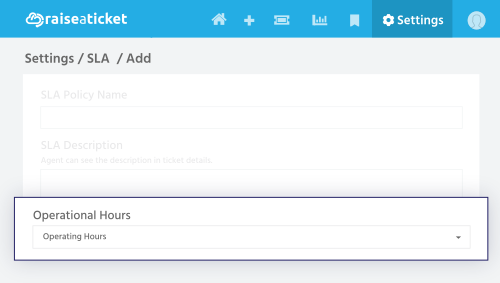
Elevate Customer Support with SLAs
By implementing and managing SLAs effectively, your helpdesk can:
Improve Customer Satisfaction: Deliver timely, efficient support that meets or exceeds customer expectations.
Streamline Operations: Use SLAs to prioritize tickets, allocate resources, and ensure smooth workflows.
Build Strong Relationships: Transparent communication and accountability foster trust and long-term customer loyalty.
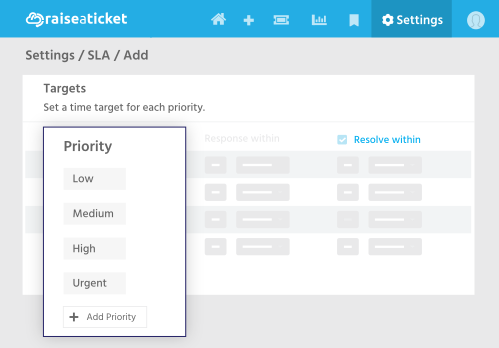
Get Started with Raiseaticket Helpdesk
Leverage the free Raiseaticket platform to manage SLAs effortlessly:
Configure multiple SLAs tailored to your business.
Set up automated SLA reminders for proactive management.
Monitor performance with built-in tools and metrics. Looking for advanced features? Upgrade to our Office 365 unified support mailbox integration for streamlined communication and improved efficiency. Contact us today for setup assistance!
With SLAs in place, your helpdesk will operate more efficiently, keeping customers satisfied and your team accountable. Implement SLAs to drive better results and deliver exceptional support every time.
Control your support experience, all in one platform.
Provide support and answers on your products, services, updates, incidents and issues with your experts on our 100% free helpdesk cloud platform.
*No servers. No credit card. No IT department.

Product
Support