Free Helpdesk Software -
5 Agents, Every
Feature, Zero Cost
Turn every support email into a tracked ticket. Assign, resolve, and measure all from one clean dashboard. Full SLA, knowledge base, and integrations included free.
Every Ticket Tracked. Every Customer Heard.
What you get:
Email-to-ticket conversion
Every support email becomes a ticket, no copy-paste
Smart assignment
Route tickets to groups, departments, or specific agents
Status tracking
Open, Pending, In Progress, Resolved, Closed (plus custom statuses)
Merge & bulk actions
Combine duplicates, update multiple tickets at once
Private notes
Collaborate internally without the customer seeing
Full audit trail
Every action logged with timestamp and agent name
Give your customers the seamless support journey they expect and deserve.
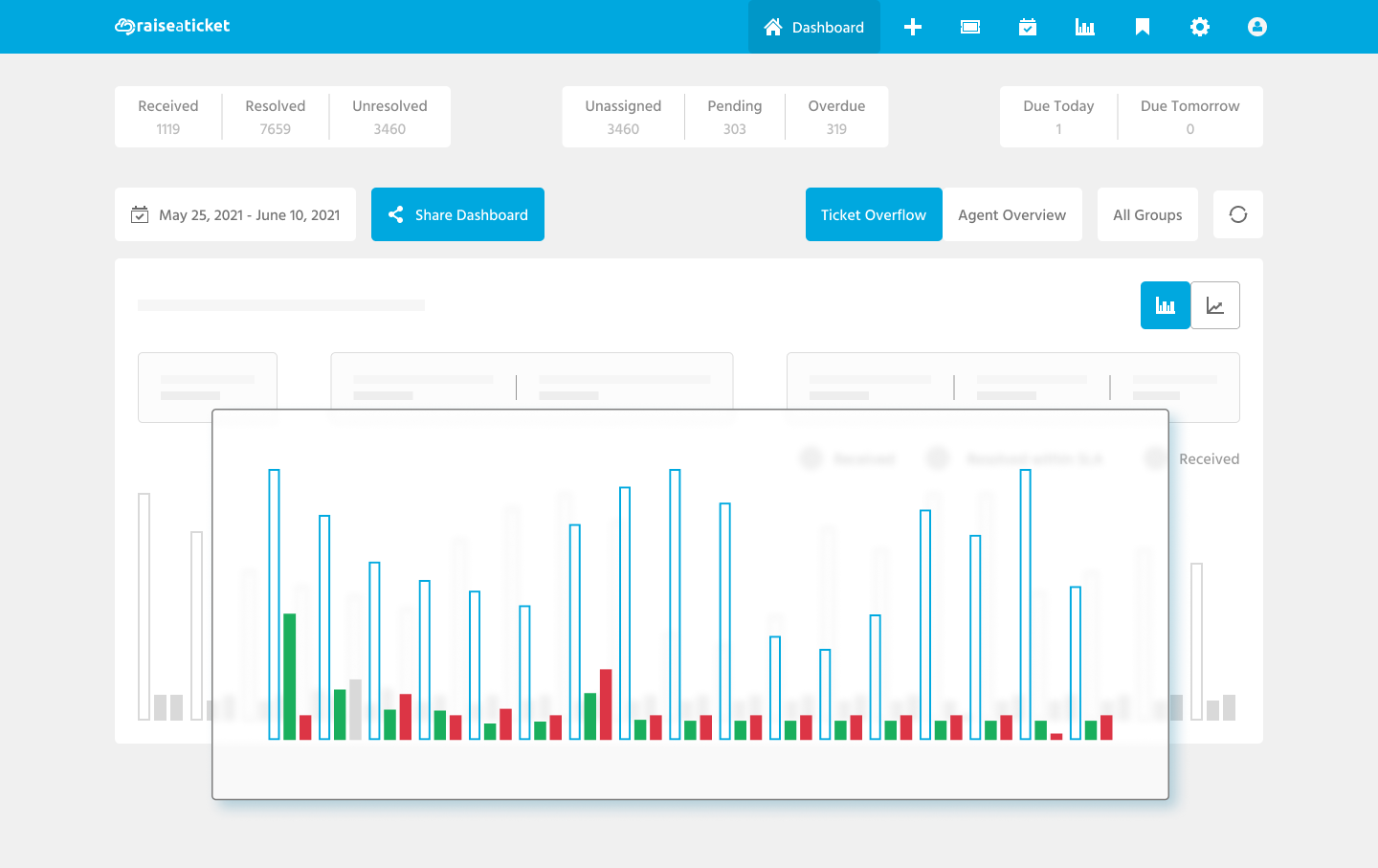
See What Is Working. Fix What Is Not.
Tickets by status
See open, pending, overdue, and resolved at a glance
Agent performance
Response times, resolution rates, and workload per agent
SLA compliance
Track breaches and near-misses before they become problems
Custom reports
Filter by date, category, department, agent, or company
Scheduled exports
Auto-send CSV reports to your inbox on a schedule
Shareable dashboards
Give stakeholders read-only access to live data
Use real data to optimize processes, pinpoint bottlenecks, and deliver better experiences with every interaction.
Built for Support Teams, Not IT Departments
Clean, modern interface
Agents are productive from day one, no training required
Personal dashboard
Each agent sees their tickets, SLA status, and workload
Rich-text replies
Format responses with bold, lists, links, and inline images
Knowledge base at their fingertips
Search and link articles directly in ticket replies
Ticket templates
Save time on common responses with reusable templates
Mobile-friendly
Respond to tickets from any device, anywhere
5 agents included free. Add more as your team grows.
Your Customers Can Help Themselves
Customer portal
Your customers log in, submit tickets, and track progress
Knowledge base
Publish FAQs, guides, and troubleshooting articles
Visibility controls
Make articles public or restrict to logged-in users
Search
Customers search your knowledge base before creating a ticket
Company-wide view
Let customers see all tickets from their organisation
Satisfaction ratings
Customers rate their experience after ticket resolution
Fewer tickets. Happier customers. Less agent workload.
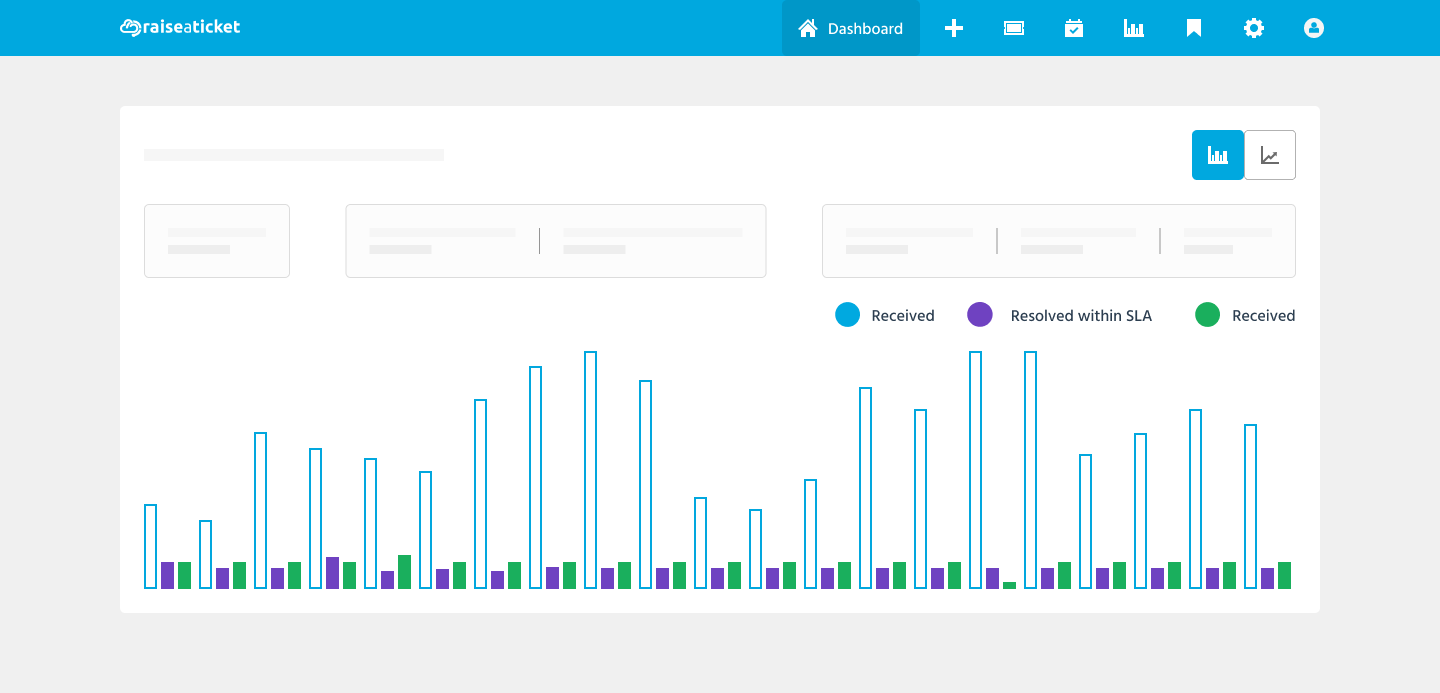
Real-Time Dashboard
See your entire support operation at a glance. Track tickets by status, monitor agent workload, spot overdue tickets, and identify trends all from a single live dashboard.
Role-based views: Admins see everything. Agents see their queue. Customers see their tickets.
Set Up in Minutes, Not Days
No consultants. No config files. No 50-page setup guide.
Sign up, activate your portal, and start receiving tickets all in under 5 minutes. Your team will feel at home from the first login.
Complete Ticket Management
From creation to resolution, every ticket is tracked:
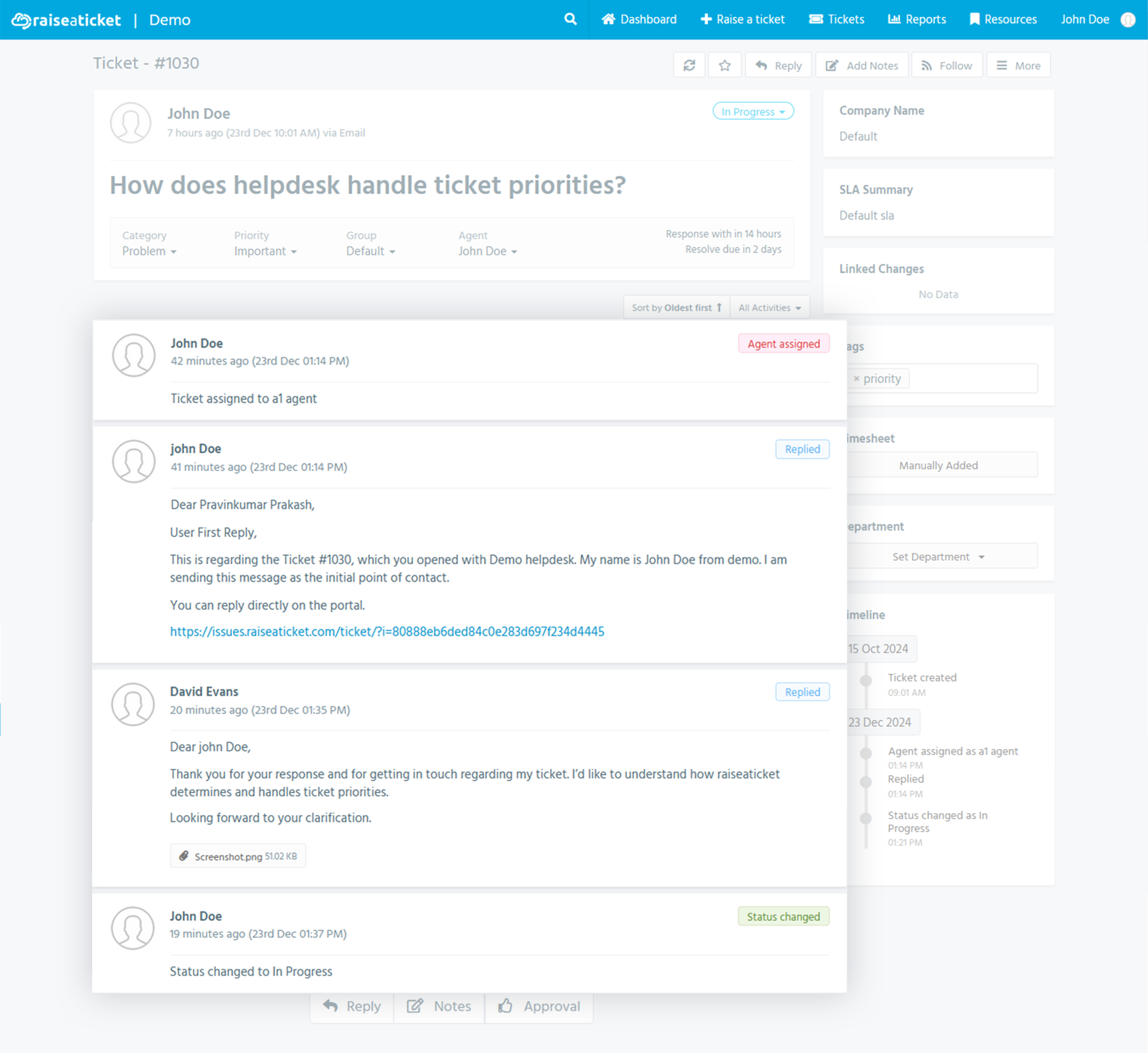
- Create tickets via email, web portal, or on behalf of customers
- Assign to agents, groups, or departments
- Set priority, category, tags, and custom statuses
- Add public replies or private internal notes
- Attach files (images, PDFs, documents, up to 20MB)
- Merge duplicate tickets and bulk-update
- Track time spent per ticket
- Forward tickets with optional approval requests
Reports & Analytics
Track what matters with built-in reporting:
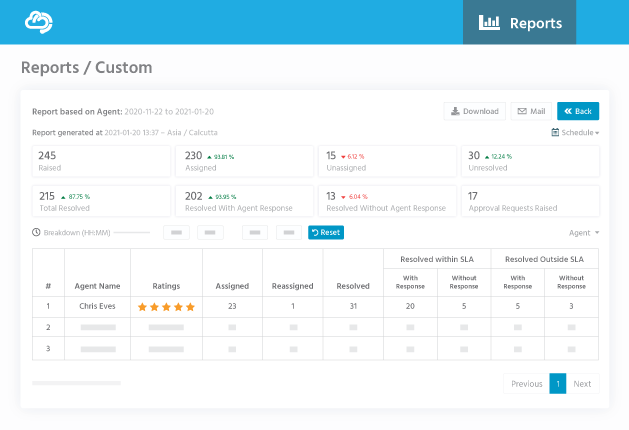
- First response time and resolution time metrics
- Agent performance comparisons
- SLA compliance and breach reports
- Ticket volume trends by category and priority
- Custom filters for any data point
- Share dashboards with stakeholders (read-only)
SLA Management
Set service level targets and hold your team accountable:
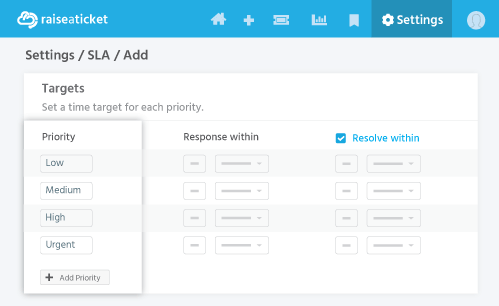
- Define response and resolution time targets per priority level
- Measure against business hours (not just calendar time)
- Configure operating hours, time zones, and holidays
- Alert agents and managers when deadlines approach
- Escalate automatically when SLAs are at risk
- Support multiple SLA policies for different teams or customers
Knowledge Base
Reduce ticket volume by helping customers find answers themselves:
- Self-service searchCustomers search articles before creating a ticket
- In-ticket linkingAgents attach articles directly in ticket replies
- Usage analyticsTrack article views and usefulness ratings
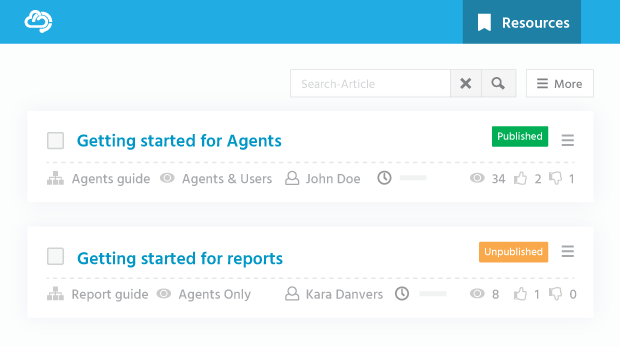
- Create articlesRich text, images, and attachments supported
- Organised by categoryEasy navigation for customers and agents
- Visibility controlsPublic (customer-facing) or internal (agents only)
Multi-Channel Support
Meet your customers where they are:
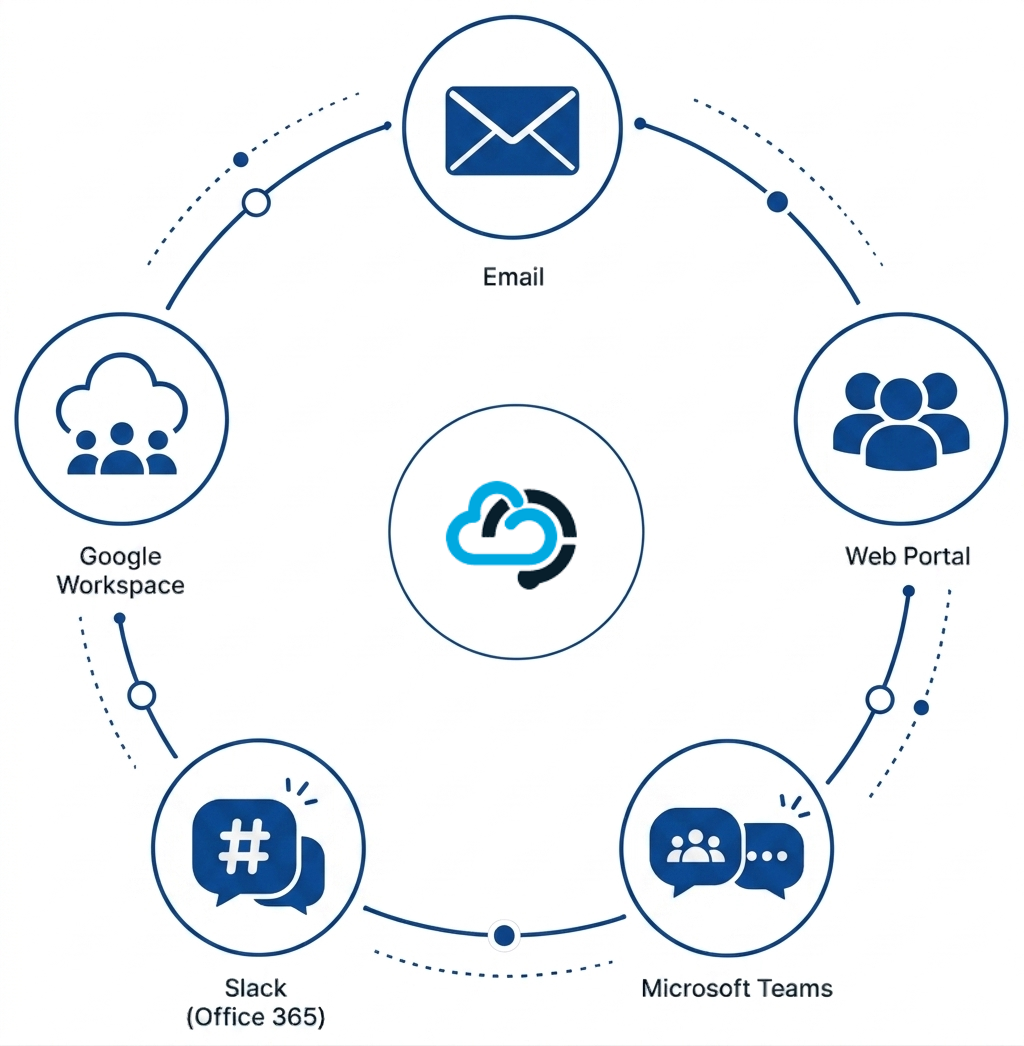
- Email channelForwarded emails automatically become tickets
- Web portalBranded customer portal for ticket submission and tracking
- Microsoft TeamsReceive ticket notifications directly in your Teams channels
- SlackReal-time alerts in Slack when tickets are created or updated
- Office 365Integrate your work email for seamless ticket handling
- Google WorkspaceConnect Gmail for enhanced email management
Notifications That Keep Everyone in the Loop
Never miss a ticket update:
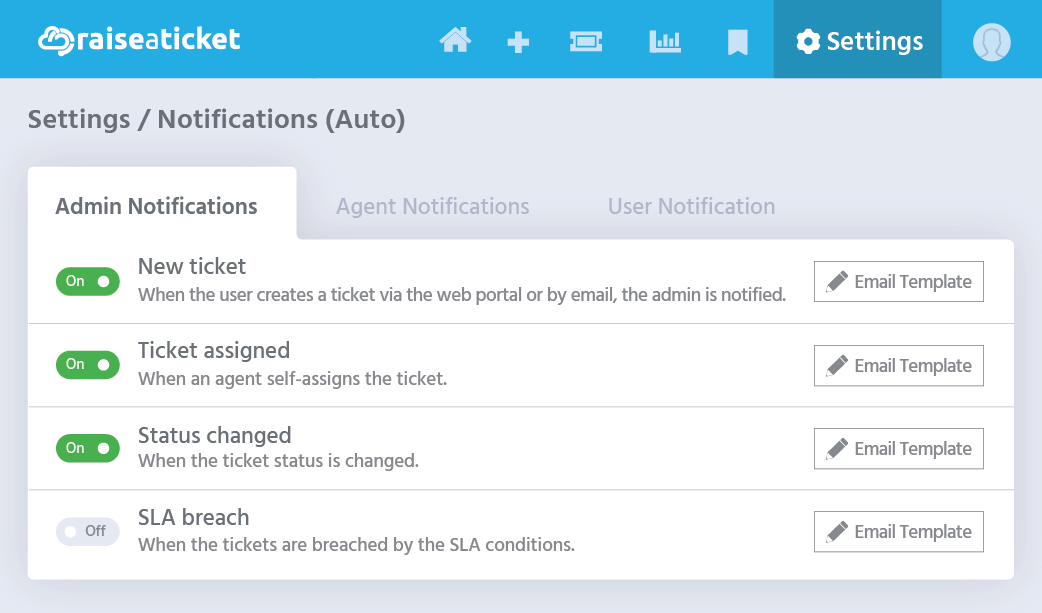
- Email notificationsFor customers, agents, and admins on every update
- Microsoft Teams alertsNew tickets, replies, and assignments in Microsoft Teams
- Slack notificationsDirect links to tickets delivered to your channels
- Configurable rulesChoose which events trigger which notifications
- Custom email templatesYour branding and dynamic tags on every message
- Auto-responseInstant acknowledgement when a ticket is created
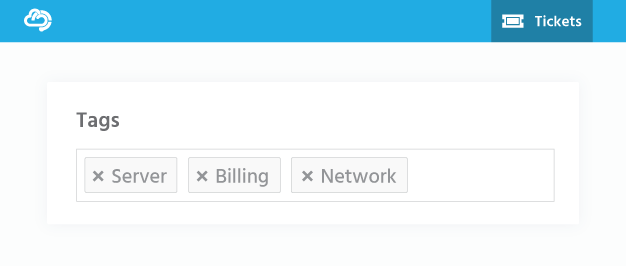
Tags, Categories & Smart Filters
Organise your tickets the way your team works:
Automation & Workflows
- Auto-assignmentRoute tickets to agents or groups based on rules
- Auto-responseImmediate acknowledgement when a ticket is created
- SLA escalationNotify managers automatically when deadlines approach
- Email-to-ticketIncoming emails converted to tickets without manual entry
- Ticket workflowsDefine status transitions and approval steps
- Scheduled reportsReceive CSV reports by email on a recurring schedule
Enterprise Security - Included Free
Enterprise-grade protection is not a premium add-on. Every account including the free plan ships with the full security stack.
MFA. Full encryption. GDPR-compliant. EU-hosted. SPF/DKIM/DMARC. Role-based access.
Security is standard with your 5 free agents not a paid upgrade.
Ready to make the switch?
Create your free helpdesk portal in under 5 minutes. No setup complexity. No hidden fees.
Create Your Free PortalNo credit card required · No contract · Cancel anytime
Already using another helpdesk? We can help you migrate. Contact our team.